Skip to content
photoenhancer.coEnhance a photo

Restore Old PhotosBring memories back

Scanned prints, faded snapshots and old family photos get grainy, soft and washed out. Restore contrast, clean the grain and enlarge them for printing, privately on your own device.

Free · No sign-up · No watermark · Runs on your device · Many photos? Use bulk mode

Drop a scan of an old photo

or paste it (Ctrl/⌘ + V). JPG, PNG, WebP, AVIF.

No photo handy? Try one:

Private: your photo is enhanced on this device and never uploaded.

How to restore an old photo

  1. 1

    Scan or photograph the print. Shoot flat, in daylight, with no glare, and fill the frame.

  2. 2

    The tool removes grain, restores contrast with auto levels and enlarges 2×.

  3. 3

    Fine-tune Contrast and Warmth (to remove yellowing), then download as PNG for archiving.

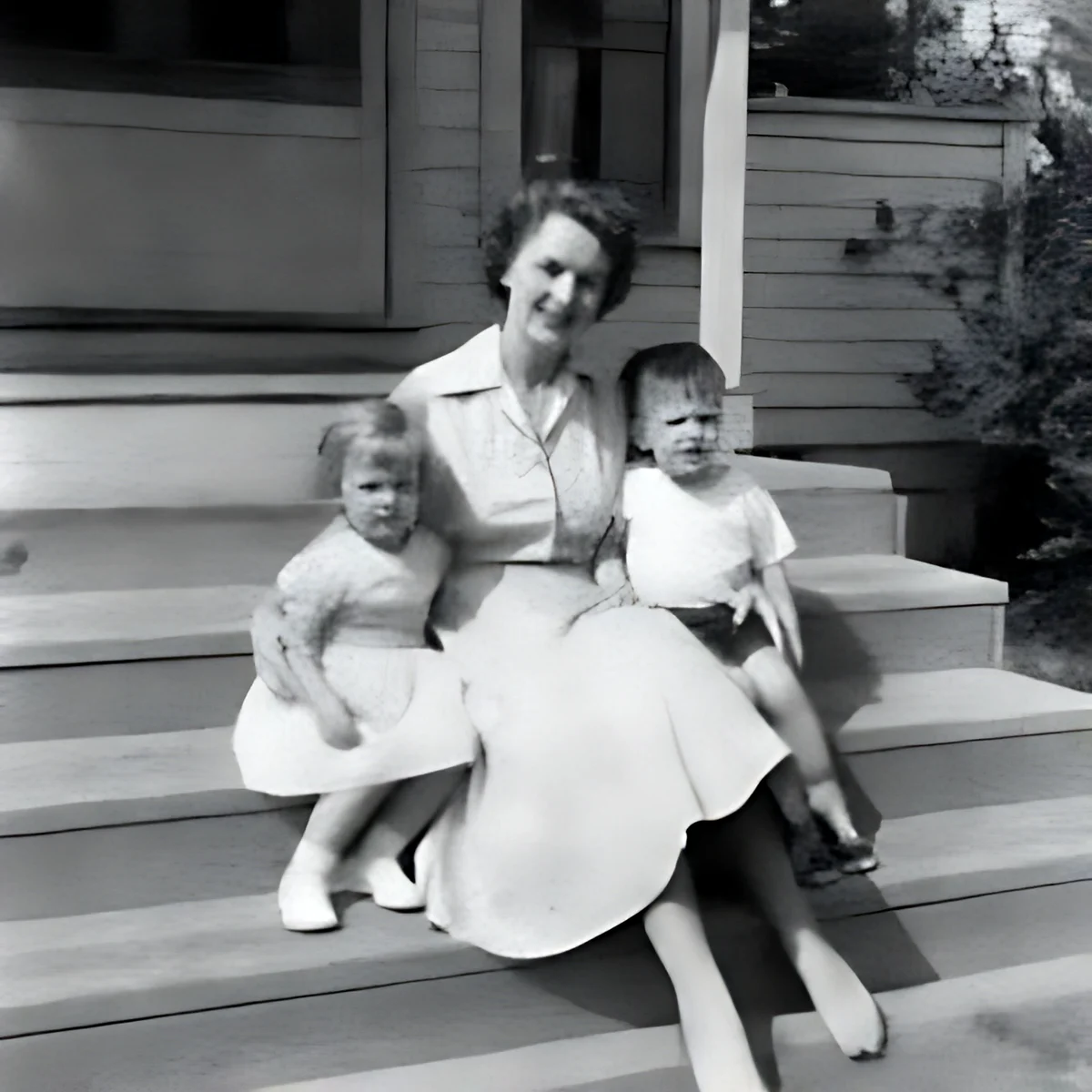
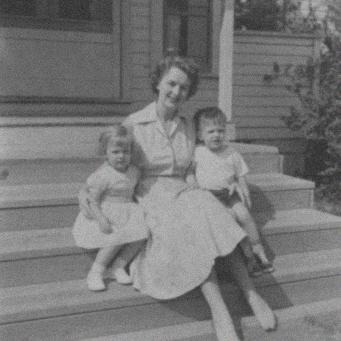
Faded black-and-white family photo restored with AI
BeforeAfter
Real output: Faded, grainy scan → cleaned, contrast restored, 2×

What this restores

Old photos usually suffer from four things: fading (low contrast), color casts (yellowing or a magenta shift), film grain and softness from the scan or the original lens. PhotoEnhancer handles all four: auto levels and white balance fix fading and color casts, and the AI model removes grain while restoring edges.

What it doesn't do (yet)

It doesn't repair physical damage such as tears, folds or missing corners, and it doesn't colorize black-and-white photos. Those need inpainting or colorization models, which invent content rather than restore it. For precious photos, keep the original scan and save the restored version as a separate PNG.

Tips for scanning old photos

Scan at 600 DPI if you have a flatbed scanner; it captures more real detail than any AI can invent. With a phone, turn off the flash, hold the camera parallel to the print and use the scanner app built into your phone's notes or files app to correct the perspective. Then enhance the scan here.

Curious about the technology? Read how PhotoEnhancer works or what AI upscaling is.

Restore old photos FAQ

Is it safe to restore family photos here?

Yes. The photos are processed in your browser and never uploaded to a server, so nobody else ever sees them.

Can it fix scratches and tears?

Not yet. It fixes fading, color casts, grain and softness. Scratches and tears need a separate retouching step.

Can it colorize black-and-white photos?

No. Restoration keeps the photo black and white and makes it clearer. We'd rather not guess the colors of your grandmother's dress.