Skip to content
photoenhancer.coEnhance a photo

Low Light Photo EnhancerDark photos, brought to light

Brightening a dark photo usually makes its noise explode. Here the AI cleans the noise first, then shadows and exposure are lifted, so you get a bright photo that still looks clean.

Free · No sign-up · No watermark · Runs on your device · Many photos? Use bulk mode

Drop a dark photo

or paste it (Ctrl/⌘ + V). JPG, PNG, WebP, AVIF.

No photo handy? Try one:

Private: your photo is enhanced on this device and never uploaded.

How to brighten a dark photo

  1. 1

    Add the dark or underexposed photo.

  2. 2

    The AI removes noise and auto light lifts the shadows. Push Shadows for more, Highlights to calm lamps and windows.

  3. 3

    Compare, then download at the same size or 2× larger.

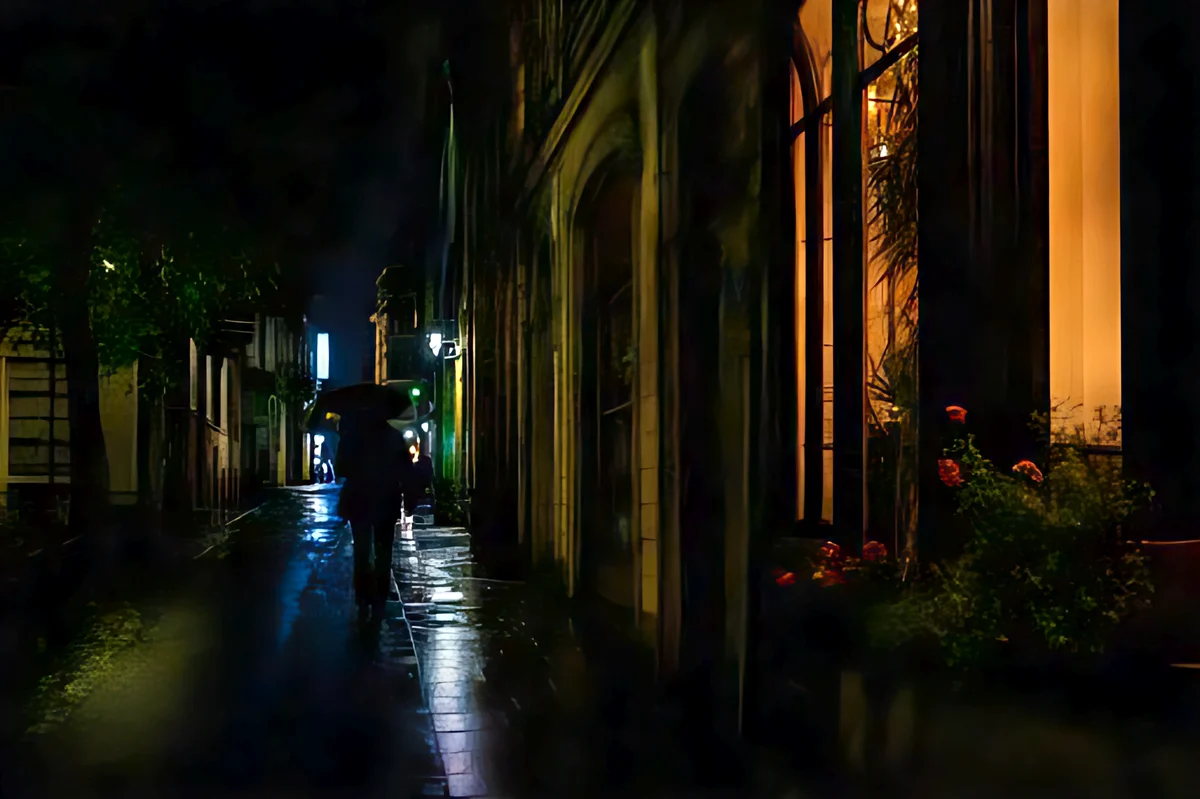
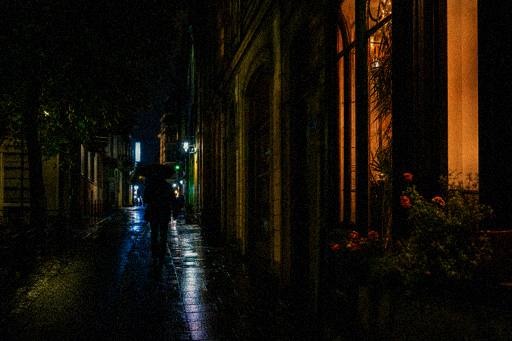
Underexposed street at night brightened with AI
BeforeAfter
Real output: Underexposed night photo → brighter, cleaner

Why brightening alone looks bad

A dark photo has very little signal in its shadows, and a lot of noise. Pulling the brightness up multiplies both, which is why a quick brightness boost makes night photos look speckled and muddy. The fix is to remove the noise before lifting the shadows, which is exactly the order this tool works in.

Shadows, exposure and highlights

Exposure brightens everything evenly, like opening the camera's aperture. Shadows lifts only the dark areas and leaves bright ones alone, which is usually what a night photo needs. Highlights pulls bright areas down, so street lights and windows don't blow out to white. Start with Auto, then nudge these three.

Curious about the technology? Read how PhotoEnhancer works or what AI upscaling is.

Low light enhancer FAQ

Can a completely black photo be recovered?

Only if there is some signal in it. If you can make out shapes when you raise your screen brightness, the tool can usually recover a usable photo. Pure black has nothing to recover.

Does it work for indoor photos?

Yes. Indoor photos are often both dark and yellow. Auto white balance and the Warmth slider fix the color, and Shadows brightens the room.

Will this work on video?

Not yet. PhotoEnhancer works on still images: JPG, PNG, WebP and AVIF.