
Skip to content
photoenhancer.coEnhance a photo

Increase Image ResolutionLow-res to HD

Turn a low-resolution picture into a sharp HD or 4K image. The calculator below shows which scale you need for your target size, and the AI adds the detail.

Free · No sign-up · No watermark · Runs on your device · Many photos? Use bulk mode

Drop a low-resolution image

or paste it (Ctrl/⌘ + V). JPG, PNG, WebP, AVIF.

No photo handy? Try one:

Private: your photo is enhanced on this device and never uploaded.

Resolution calculator

Upscale 4×.

How to increase image resolution

  1. 1

    Check the calculator for the scale you need (for example 4× to turn 960 pixels into 4K width).

  2. 2

    Add the image and pick that scale.

  3. 3

    Download the higher-resolution version as PNG or JPG.

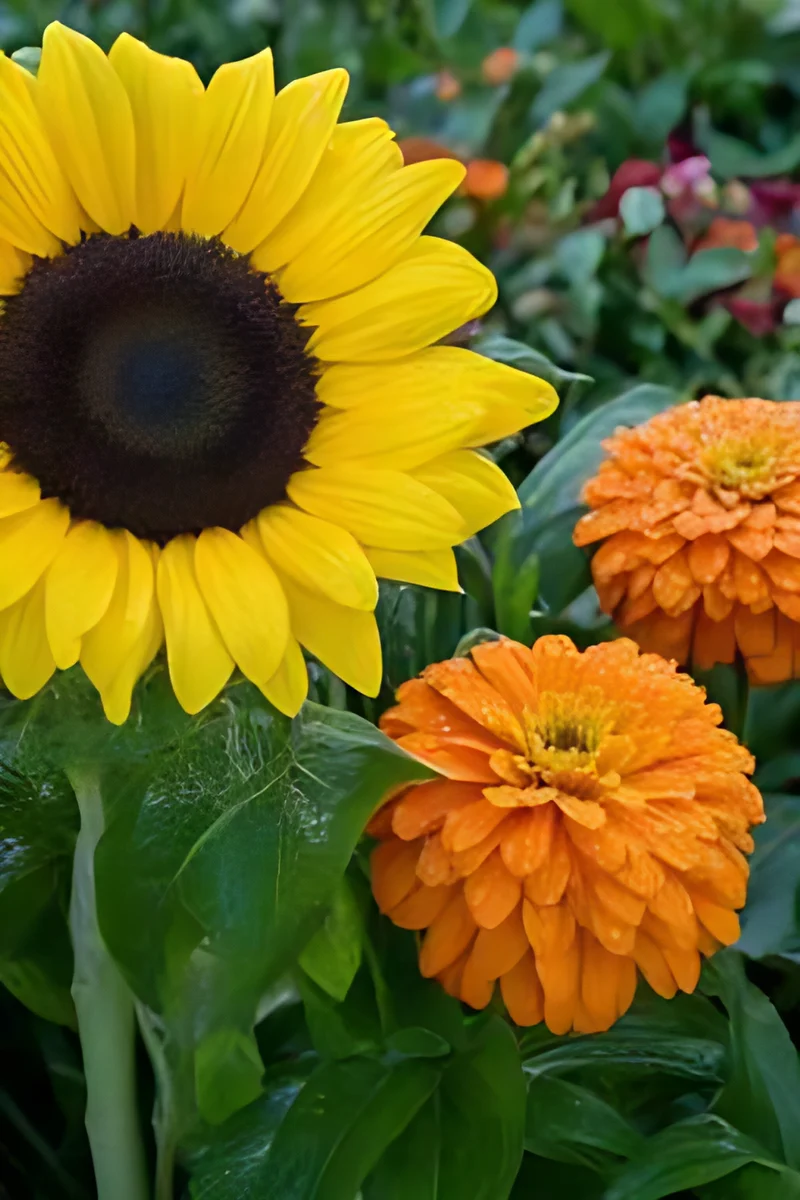
Low-resolution flower photo increased to HD with AI
BeforeAfter
Real output: 256 × 384 → 1024 × 1536

Resolution, explained simply

Resolution is the number of pixels in an image, written as width × height. A 1280 × 720 image is HD, 1920 × 1080 is Full HD and 3840 × 2160 is 4K UHD. More pixels let you show the image bigger on a screen or print it larger without it looking blocky.

Changing the resolution in a normal editor adds pixels by blending the neighbors, so the picture gets bigger but no sharper. AI upscaling predicts what the new pixels should contain, which is why the result looks like a genuinely higher-resolution photo.

DPI is not resolution

Changing an image's DPI number (for example from 72 to 300) doesn't add a single pixel; it only tells printers how densely to print. If a print shop asks for 300 DPI at a certain size, what they really need is enough pixels. Use our print calculator to work out how many.

Curious about the technology? Read how PhotoEnhancer works or what AI upscaling is.

Increase resolution FAQ

How do I make a picture 4K?

4K is 3840 × 2160. Divide 3840 by your image's width: if the answer is 4 or less, use 4×; if it's 2 or less, use 2×. Then crop or resize to exactly 3840 × 2160 if you need the precise size.

Can I increase resolution without losing quality?

Yes. AI upscaling adds detail instead of blur, and downloading as PNG keeps it lossless.

What's the maximum resolution?

About 50 megapixels on desktop browsers (for example 8640 × 5760) and about 16 megapixels on Safari and phones.