Skip to content
photoenhancer.coEnhance a photo

Remove Noise from PhotosGrain out, detail in

Night shots, indoor photos and high-ISO images often look speckled and grainy. The Clean model removes that noise and keeps the edges that matter.

Free · No sign-up · No watermark · Runs on your device · Many photos? Use bulk mode

Drop a grainy photo

or paste it (Ctrl/⌘ + V). JPG, PNG, WebP, AVIF.

No photo handy? Try one:

Private: your photo is enhanced on this device and never uploaded.

How to remove noise from a photo

  1. 1

    Add a noisy photo: night, concert, indoor or high-ISO shots.

  2. 2

    The Clean model runs at 1×, so you keep the original size. Pick 2× if you also want it larger.

  3. 3

    Adjust Shadows or Exposure if it's dark, compare, and download.

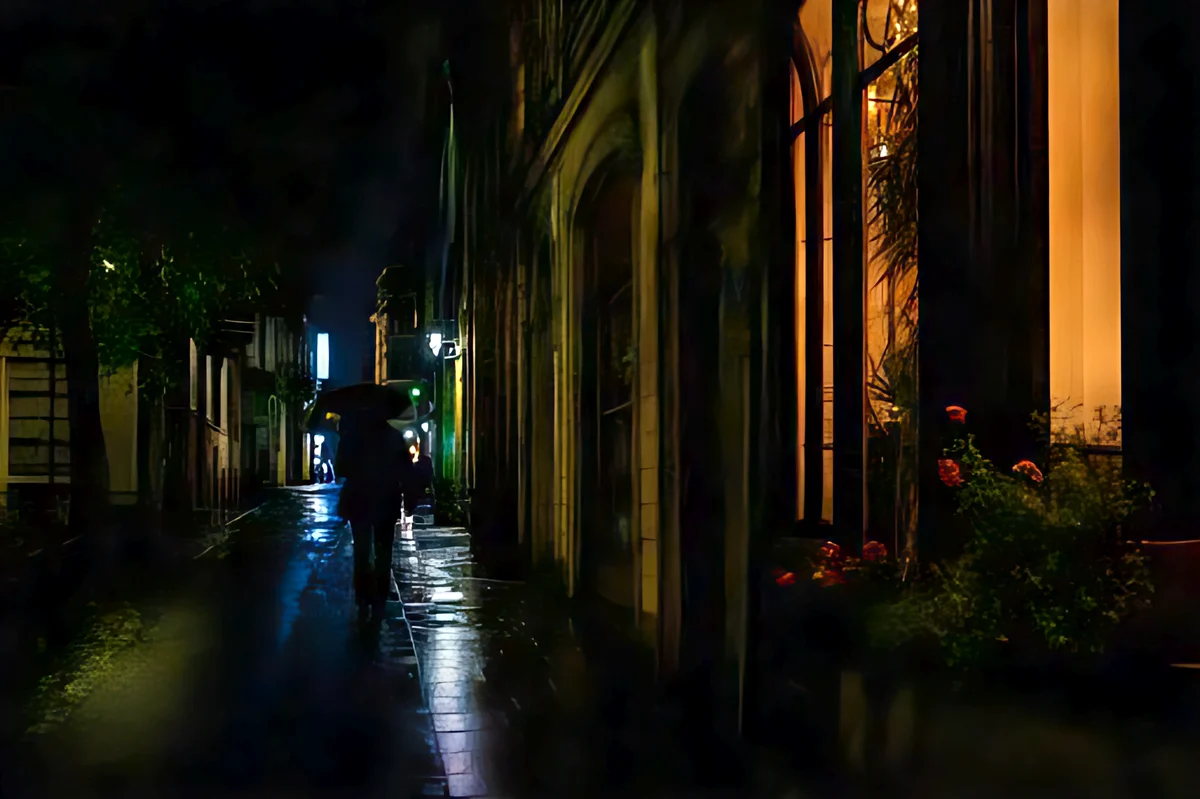
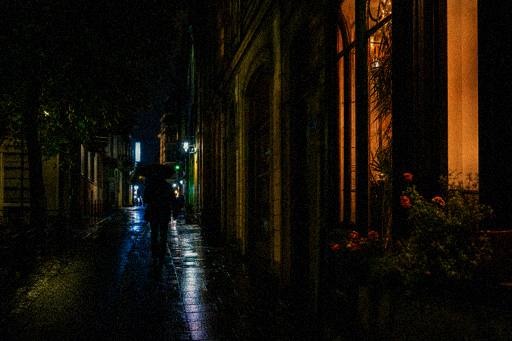
Noisy night street photo denoised with AI
BeforeAfter
Real output: Dark, noisy JPEG → cleaned and brightened

Where photo noise comes from

Noise is random variation in brightness and color that appears when a camera sensor gets too little light. Phones and cameras compensate by amplifying the signal (raising the ISO), and they amplify the noise along with it. That's why photos taken at night, indoors or with small sensors look grainy, with colored speckles in the shadows.

Why AI denoising keeps more detail

Traditional noise reduction blurs the image a little everywhere, which removes grain but also skin texture, hair and foliage. The AI model was trained to tell noise apart from real detail, so it smooths flat areas such as skies and walls while keeping edges intact.

Choose how strong it should be with the model picker: Clean removes the most noise, Balanced keeps a bit of natural grain, and Fine detail is the gentlest.

Curious about the technology? Read how PhotoEnhancer works or what AI upscaling is.

Remove noise FAQ

Does denoising make photos look plastic?

Strong denoising on very noisy photos can look smooth. If skin or fabric looks too clean, switch the model from Clean to Balanced and run it again.

Can I remove noise without changing the size?

Yes. Choose 1× and the result has the same dimensions as your original.

Does it work on film grain?

Yes, though film grain is sometimes part of the look. Try Balanced first if you want to keep some of it.