Skip to content
photoenhancer.coEnhance a photo

AI Art UpscalerGenerated art, print-ready

AI image generators usually output around 1024 pixels: fine for a screen, too small for a poster or a 4K wallpaper. Upscale your generations 2× or 4× here, free, without spending generation credits.

Free · No sign-up · No watermark · Runs on your device · Many photos? Use bulk mode

Drop an AI-generated image

or paste it (Ctrl/⌘ + V). JPG, PNG, WebP, AVIF.

No photo handy? Try one:

Private: your photo is enhanced on this device and never uploaded.

How to upscale AI-generated art

  1. 1

    Add the image from Midjourney, Stable Diffusion, DALL·E, Flux, Ideogram or any other generator.

  2. 2

    Use Fine detail for photorealistic images, Art & anime for illustrated styles. 4× turns 1024 px into 4096 px.

  3. 3

    Download as PNG for printing or as JPG for sharing.

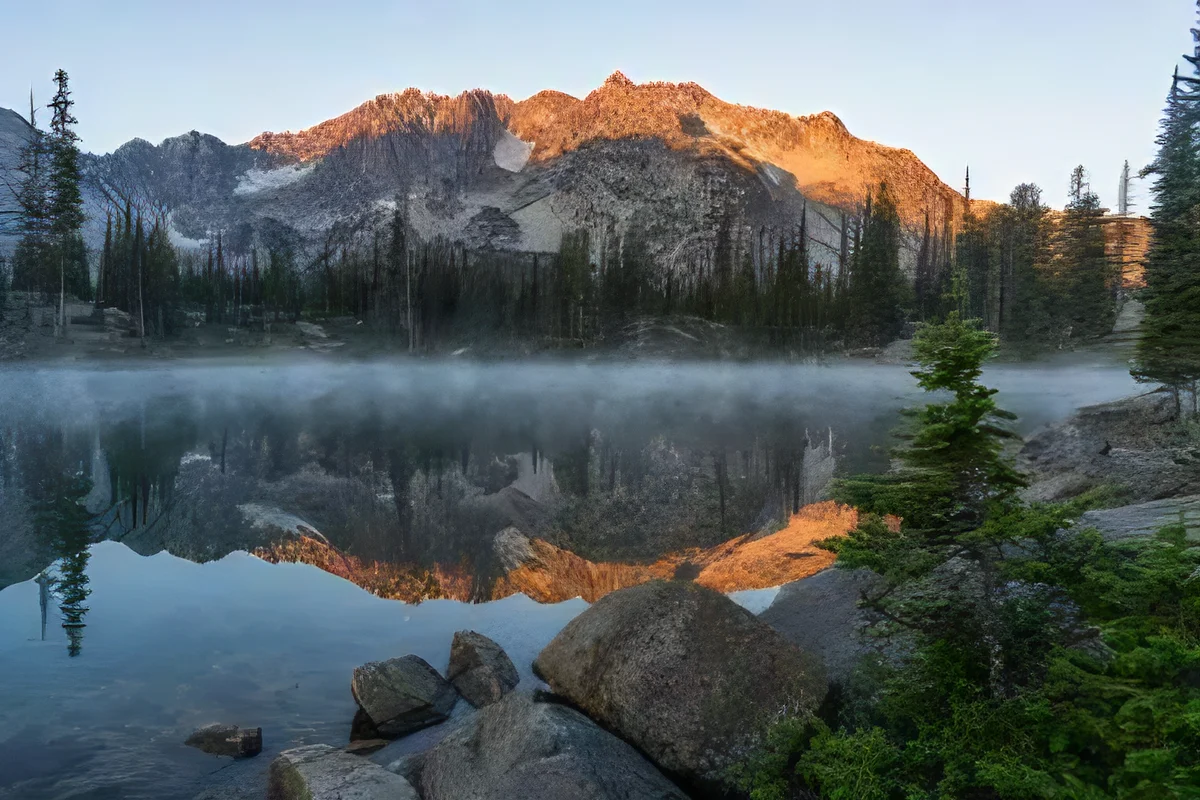
AI-generated landscape upscaled 4×
BeforeAfter
Real output: Generated scene, downsized → 4× with Fine detail

Why upscale AI images separately

Many generators offer a built-in upscale, but it costs credits or GPU time and sometimes changes the image. Generative upscalers can add new details you didn't ask for. A restorative upscaler like Real-ESRGAN keeps the composition exactly as generated and adds resolution, which is usually what you want for a final print.

Sizes that matter

A 1024 × 1024 image upscaled 4× is 4096 × 4096: enough for a 13 × 13 inch print at 300 DPI, or a 20 × 20 inch poster at 200 DPI. A 1344 × 768 widescreen image becomes 5376 × 3072 at 4×, comfortably above 4K (3840 × 2160) for wallpapers.

Curious about the technology? Read how PhotoEnhancer works or what AI upscaling is.

AI art upscaler FAQ

Does it work with Midjourney images?

Yes, with any PNG, JPG or WebP you've downloaded from any generator. Nothing about the generator matters; it's just an image.

Will it change my image?

It keeps the composition and colors; it only adds resolution and cleans small artifacts. It doesn't re-generate content.

Which model is best for AI art?

Fine detail for photorealistic renders, Art & anime for illustration, anime and flat-color styles.