Why AI upscaling looks better than resizing
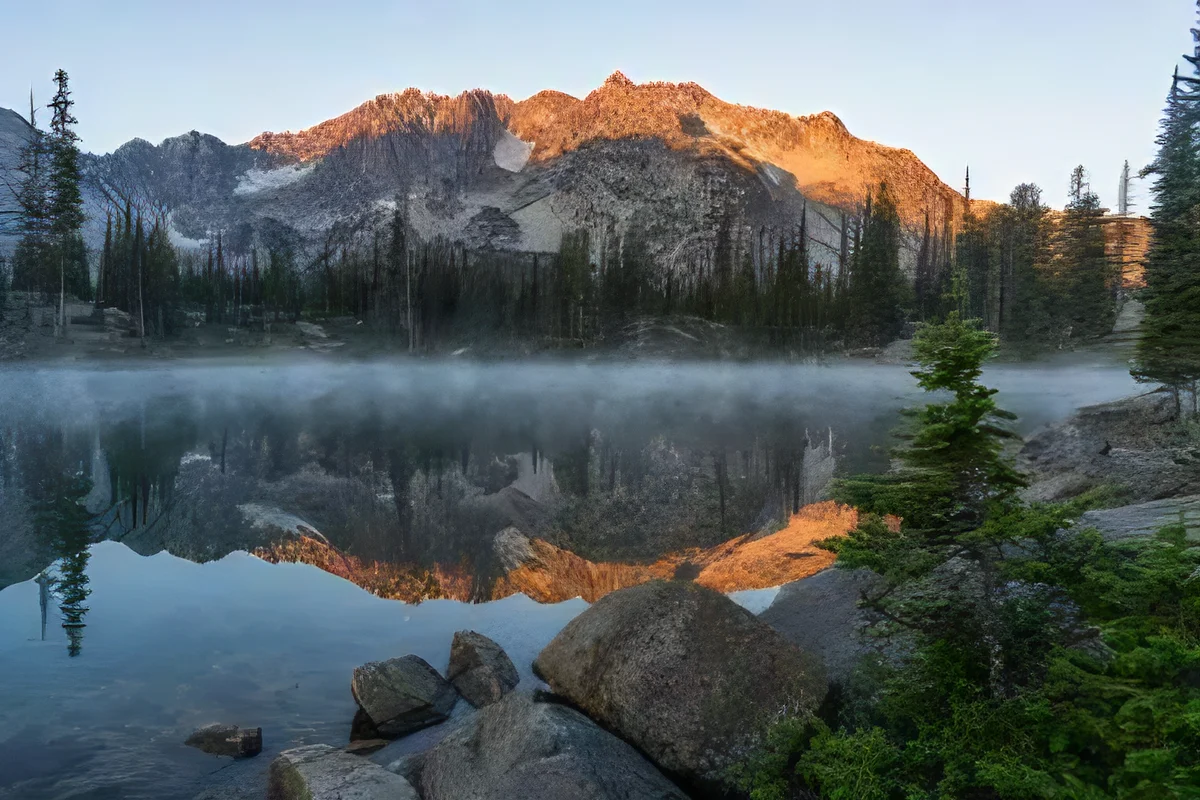
When you stretch an image in a normal editor, the software can only average the pixels it already has. Every edge turns soft and every texture turns to mush, because bicubic and bilinear resizing have no idea what a leaf, an eyelash or a brick wall is supposed to look like.
An AI upscaler is a neural network that has seen millions of pairs of small and large images. It learned what fine detail usually looks like and redraws it at the new size: crisp edges, clean lines and believable texture instead of blur. PhotoEnhancer uses Real-ESRGAN, an open model from Tencent ARC Lab that is widely used for photo and anime upscaling.
2× or 4×: which to choose
Pick 2× when the photo is already reasonably sharp and you only need a little more resolution, for example a 1000-pixel photo you want to post at 2000 pixels. Pick 4× for thumbnails, cropped photos and images saved from chats or old websites. If 4× would produce more pixels than your browser can hold, the tool tells you and gives you the largest size that fits.
Want the same size, just cleaner? Choose 1×. The AI still runs at 4× internally and the result is scaled back down, which removes noise and JPEG blocks while keeping the original dimensions.
What upscaling can and can't do
Upscaling restores detail the model can infer: edges, hair, fabric, foliage, text strokes. It cannot recover information that was never in the photo. A face that is ten pixels wide will come out smooth and plausible, not identical to the real person. For heavily compressed images, start with the Clean model so artifacts are removed instead of enlarged.
Curious about the technology? Read how PhotoEnhancer works or what AI upscaling is.