
Skip to content
photoenhancer.coEnhance a photo

JPEG Artifact RemoverBlocks and halos, gone

Images that were compressed too hard show 8 × 8 blocks, ringing around edges and smeared colors. The Clean model was trained on JPEG damage and removes it.

Free · No sign-up · No watermark · Runs on your device · Many photos? Use bulk mode

Drop a compressed JPG

or paste it (Ctrl/⌘ + V). JPG, PNG, WebP, AVIF.

No photo handy? Try one:

Private: your photo is enhanced on this device and never uploaded.

How to remove JPEG artifacts

  1. 1

    Add the compressed image: a re-shared meme, a chat photo, a screenshot of a photo.

  2. 2

    The Clean model runs at 1× to remove blocks and ringing. Choose 2× to enlarge too.

  3. 3

    Download as PNG so you don't add new compression.

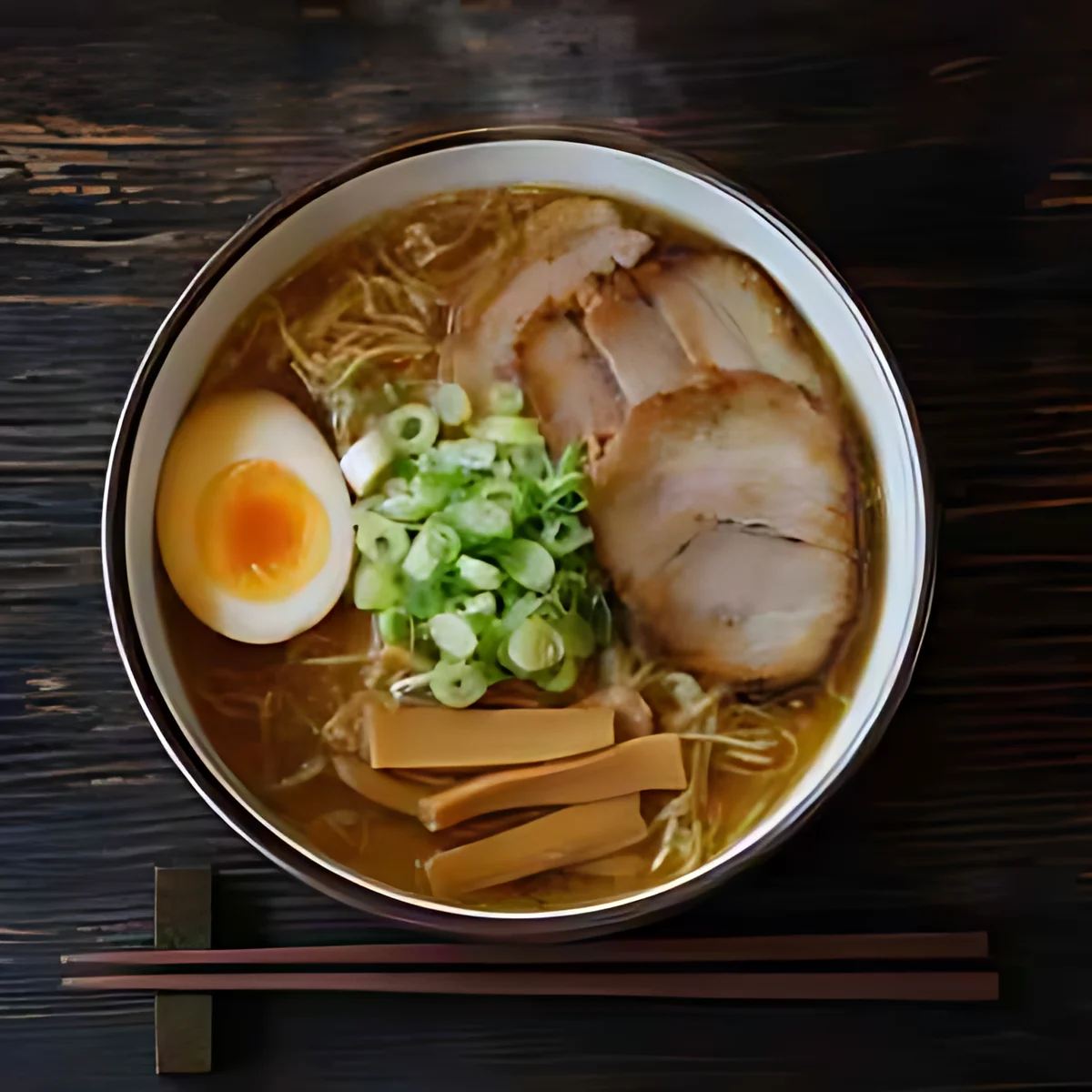
Heavily compressed JPEG cleaned with AI
BeforeAfter
Real output: Quality-38 JPEG → artifacts removed

What JPEG artifacts are

JPEG saves space by splitting an image into 8 × 8 pixel blocks and throwing away fine detail in each one. At low quality settings, or after an image has been re-saved many times (every time it's shared on social media or chat), the blocks become visible, edges get halos (ringing) and smooth gradients turn into bands.

Save the result without re-damaging it

After cleaning, download as PNG, which is lossless. If you need a small file, use JPG: we save at 93% quality, which doesn't create visible artifacts. Then avoid re-saving the file repeatedly.

Curious about the technology? Read how PhotoEnhancer works or what AI upscaling is.

JPEG artifact remover FAQ

Can it fix images from WhatsApp or Instagram?

Yes. These apps compress photos heavily. The Clean model removes the blockiness and smearing they leave behind.

Will the file get bigger?

A PNG of a cleaned photo is larger than the compressed JPG, since it keeps every pixel. Choose JPG or WebP for a smaller file.